Government Document Management System
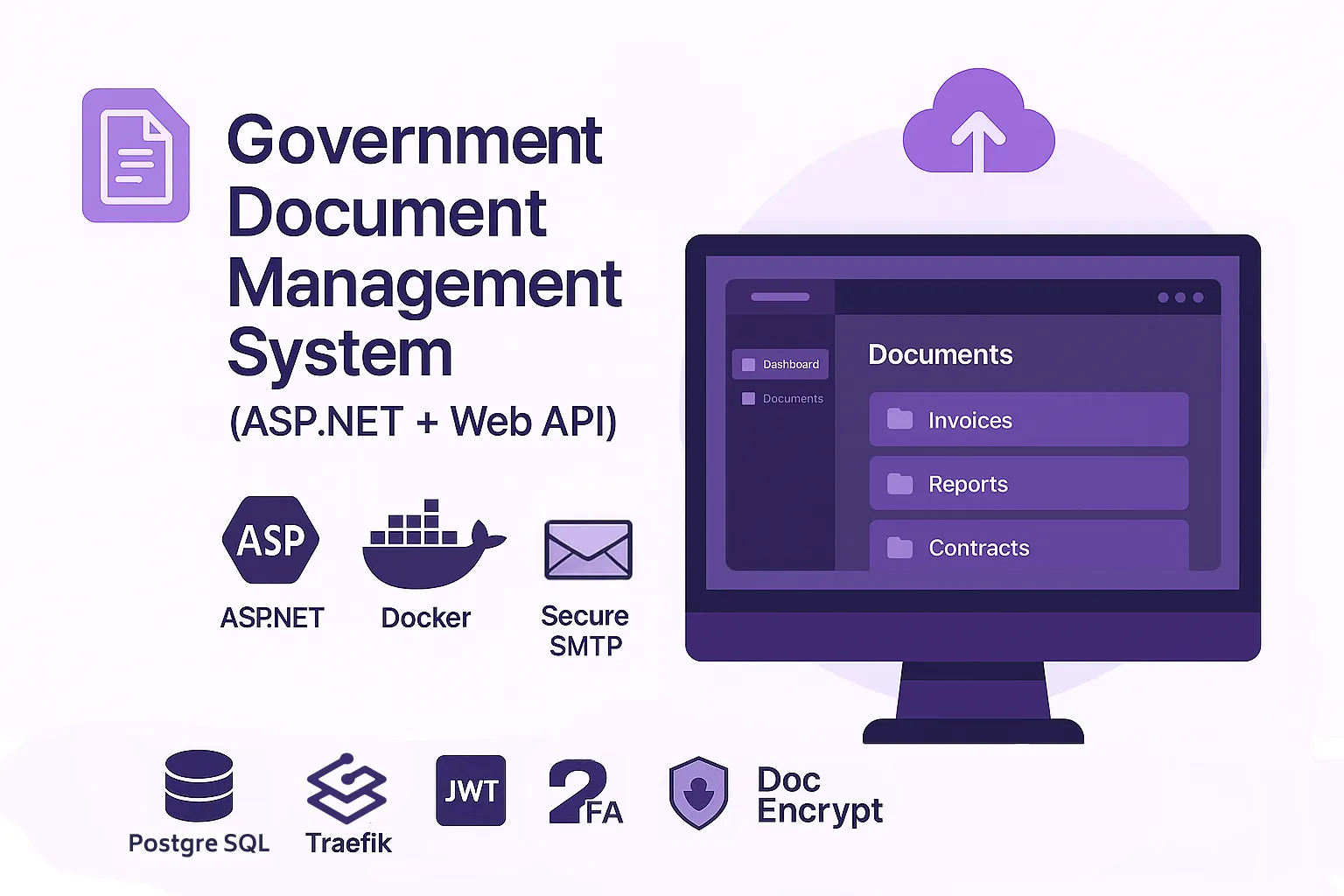
Tech Stack:
Project Details
My Role
Full-Stack Developer
This project is private or under NDA.
🗂 Government Document Management System (ASP.NET + Web API)
This enterprise-grade DMS (Document Management System) was developed for a governmental structure to securely handle the full lifecycle of internal documentation: digitization, encryption, multi-level processing, approval, and archival.
The system was built from the ground up with a dual focus:
military-grade document protection and intuitive UX tailored to public sector workflows.
All modules were implemented based on the client's internal regulation standards.
🏛️ Project Highlights
- Developed for a confidential government entity
- Full-cycle DMS: scanning, classification, workflow, archiving
- Integrated with office hardware (scanners, secure devices)
- Custom in-browser document readers to prevent leakage
- Secure internal email system with encrypted reports
- JWT + 2FA-based access model, with per-role permissions
- Interfaces and flows designed per government process specs
- Custom plugin-based protection layer against data leaks
- Zero-training UX — intuitive even for non-technical users
⚙️ Architecture Overview
- Frontend: ASP.NET MVC (Razor Views, custom JS modules)
- Backend: ASP.NET Web API (RESTful), deployed via Docker
- Routing: Traefik load balancer for secure API proxying
- Database: PostgreSQL (encrypted tables, indexed search)
- Security Layer:
- JWT tokens with 2FA (mobile app-based)
- Document encryption & obfuscation (AES)
- In-app digital signature via client certificate
- Internal SMTP for secure report delivery
- Document Protection Module:
- .NET plugin-based viewer sandbox
- Prevents copying, downloads, and screen capture
- Integration:
- OCR via commercial scanners
- Auto-upload & metadata parsing into PostgreSQL
🔧 Tech Stack
ASP.NET MVC, ASP.NET Web API, Docker, Traefik, JWT, 2FA, PostgreSQL, Razor, Custom Plugins, Digital Signature, Secure SMTP, Document Encryption
🧩 System Modules & UI Highlights
📊 Document Workflow & Export Page
Main dashboard to track document status and progress.
Multi-stage workflow: Draft → Review → Sign → Archive.
Admins can export filtered logs and activity summaries.

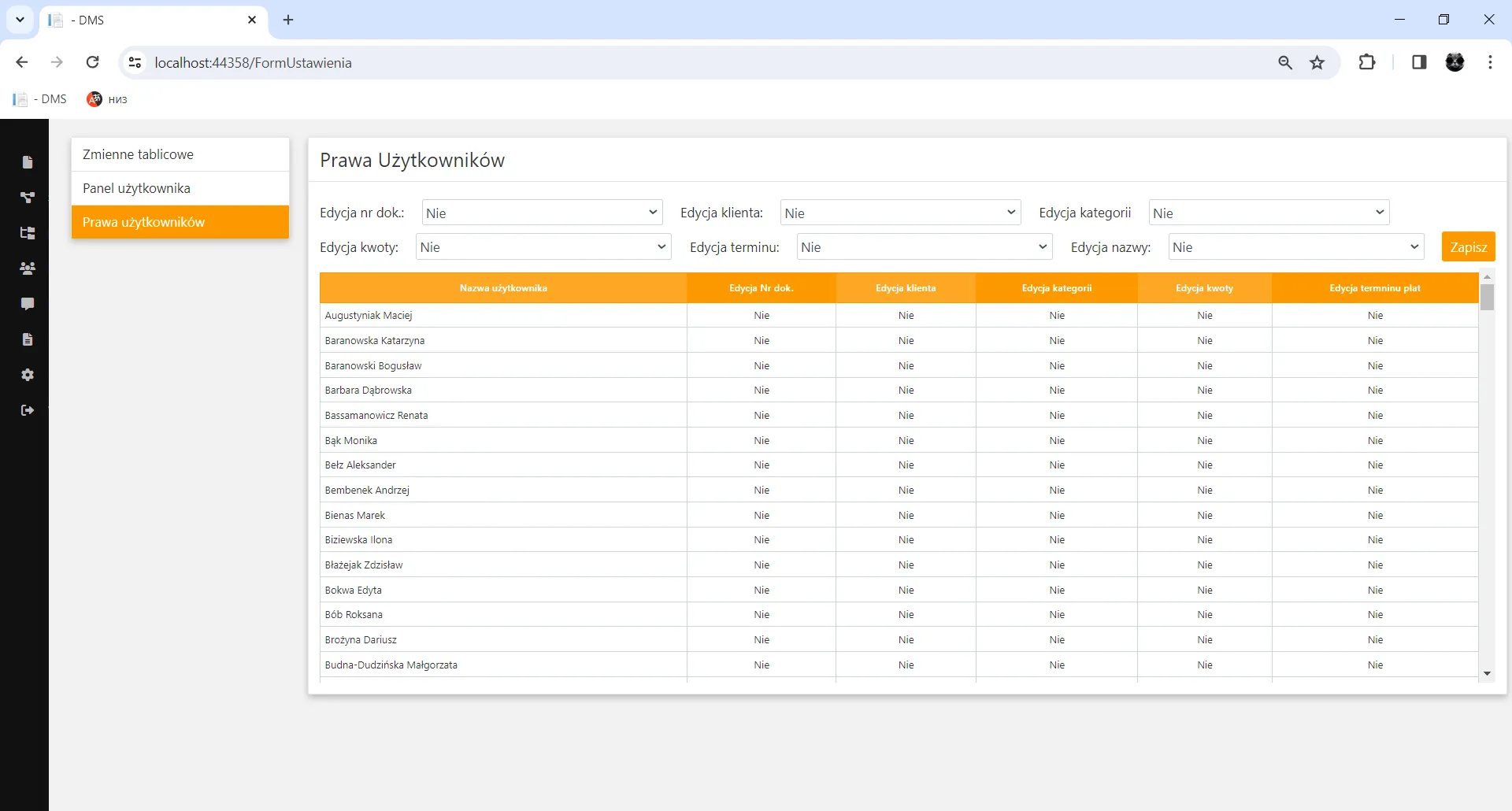
⚙️ Administrator Settings Panel
Role-based access control panel with plugin and policy settings.
Admins manage scanning rules, metadata schemas, and user activity logs.
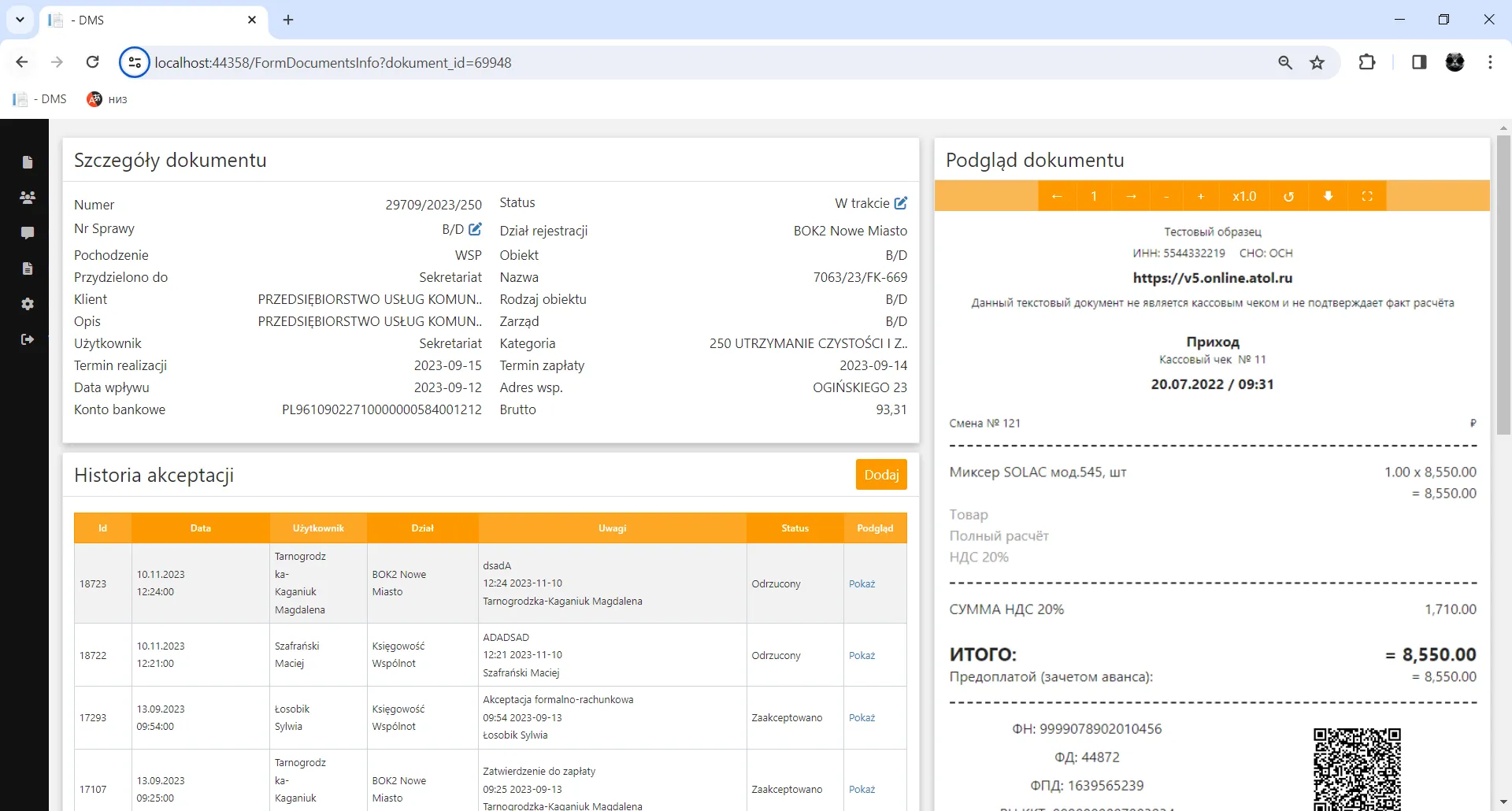
📄 Document Viewer & Processor
In-app viewer module using a proprietary .NET plugin.
Actions like annotate, reject, sign happen securely inside the system.
Clipboard, download, and screen capture are disabled.
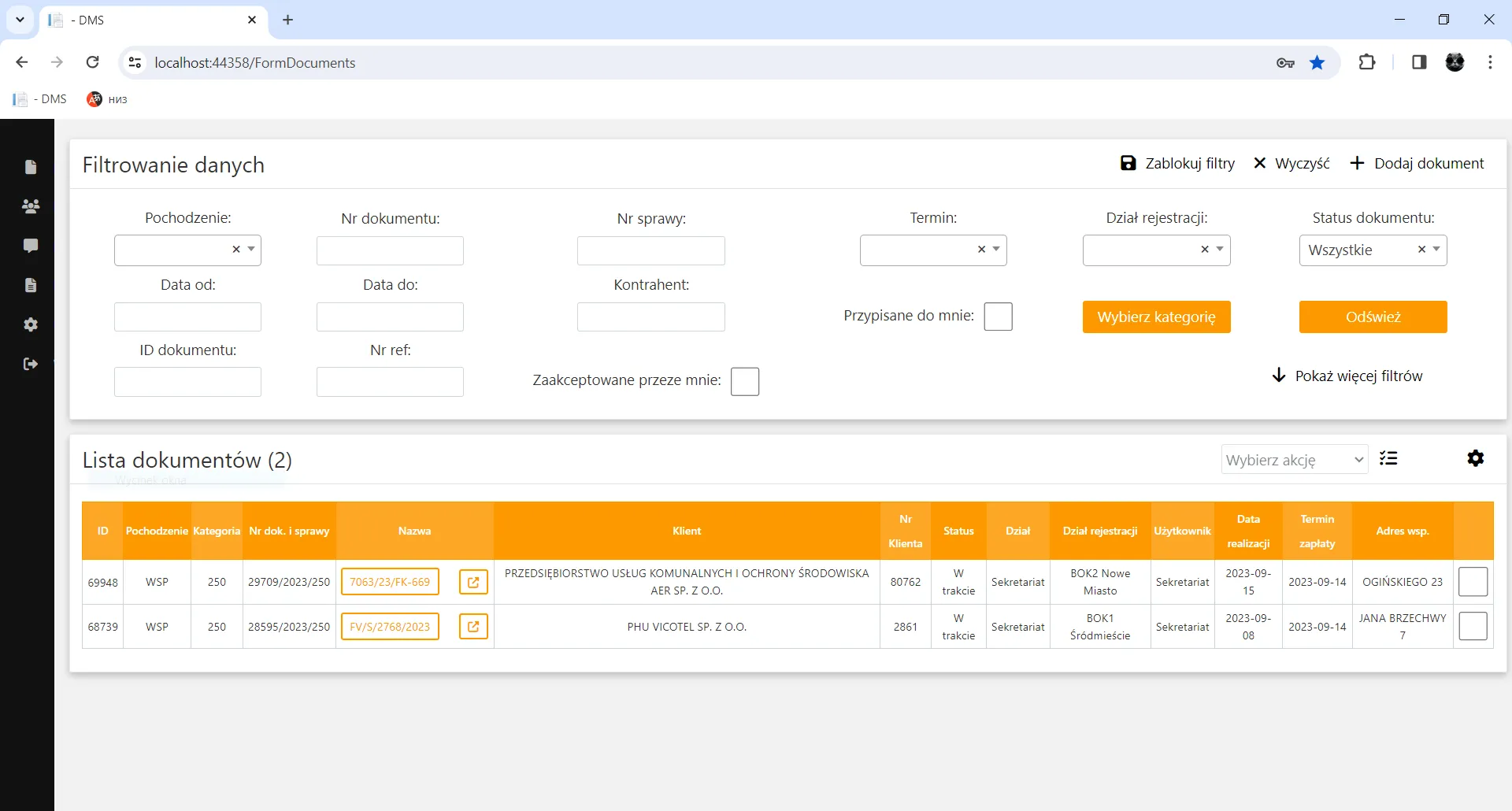
🏠 Employee Home Dashboard
Personalized task dashboard after 2FA login.
Shows document assignments, deadlines, and internal comms.
UX designed for clarity — no manual needed.
🔐 Security Features
| Feature | Implementation |
|---|---|
| Authentication | JWT + TOTP 2FA (via mobile app) |
| Document Protection | AES + .NET plugin sandbox, no OS access |
| Email Leak Prevention | SMTP restricted to intranet-only |
| Digital Signature | Integrated certificate + in-app signing |
| Plugin Isolation | Custom .NET sandboxed plugin framework |
📉 Measurable Results
| Metric | Before System | After Rollout |
|---|---|---|
| Manual document errors | 15–18% | <1% |
| Approval time (avg.) | 3–5 days | ~6 hours |
| File loss / re-upload incidents | >25/month | 0 (encrypted trace) |
| Export/audit preparation time | ~2 days | <30 minutes |
🧠 User Experience
Despite its complex internal architecture and strict security enforcement,
users described the system as simple, fast, and intuitive.
No onboarding was required — clarity and usability were built into the core design.
Thanks to a streamlined action flow and instant interface responsiveness,
most tasks were completed 3–5 times faster compared to previous systems.
Even non-technical staff started using the system effectively
from day one — without errors or delays.